Manual Installation
Step 1
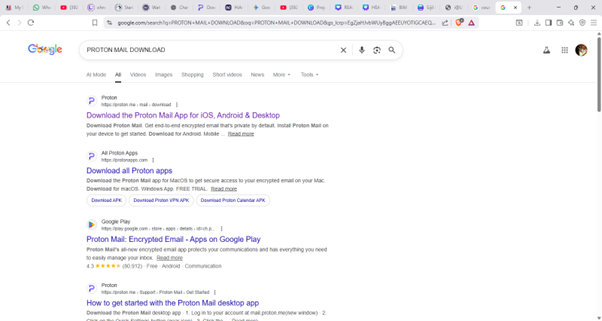
Search “Proton Mail Download” in browser
Step 2
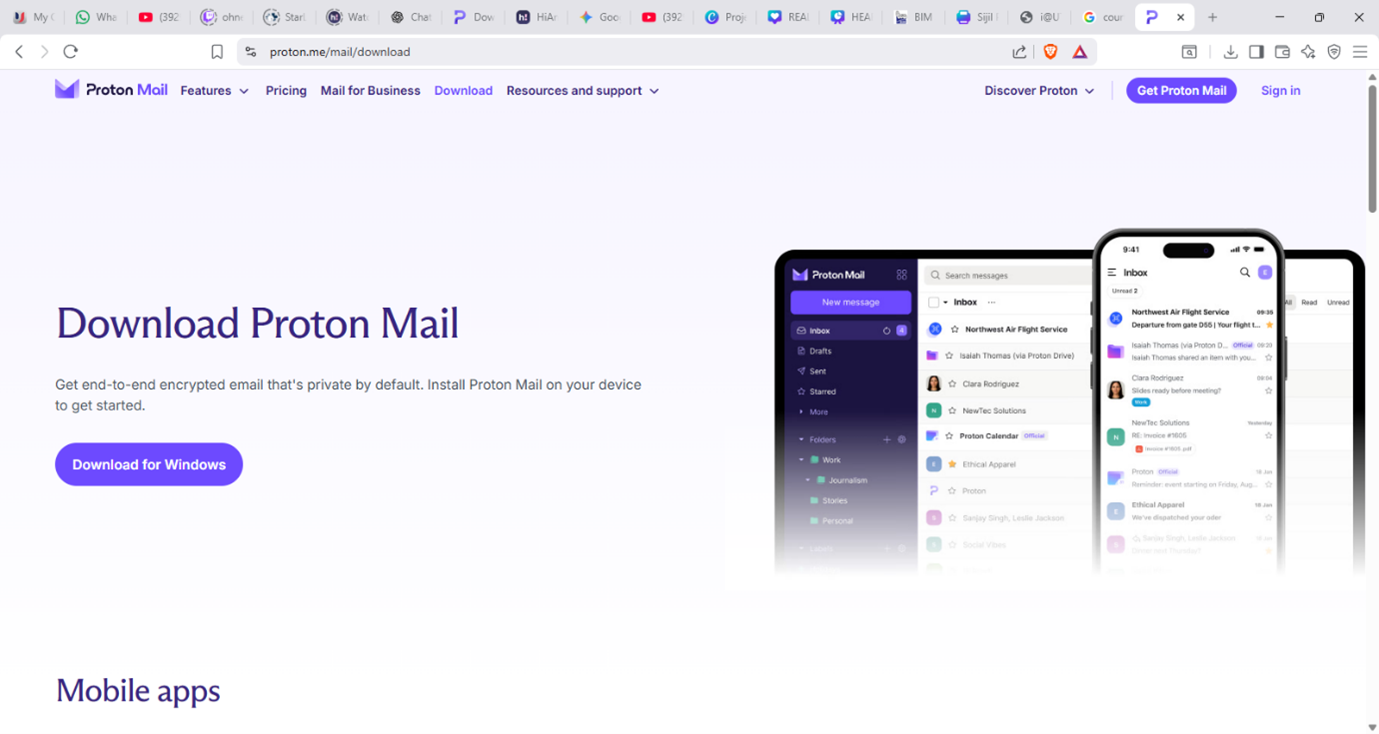
Download Proton Mail in desktop
Step 3
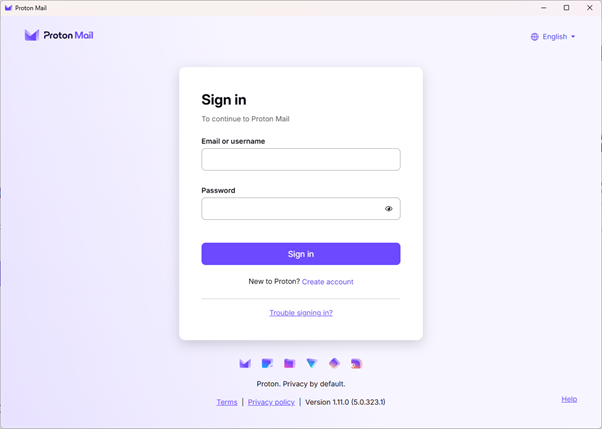
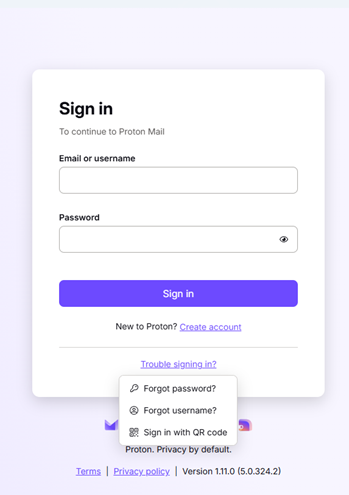
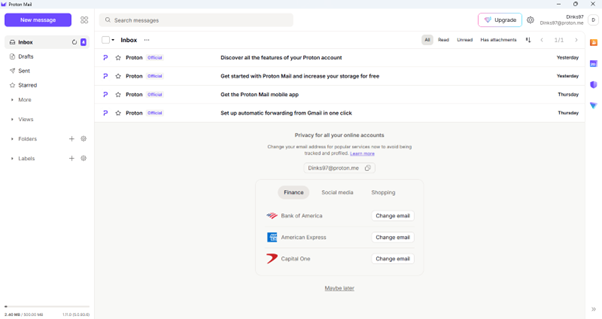
New users should launch Proton Mail and select 'Create account' to sign up first
Step 4
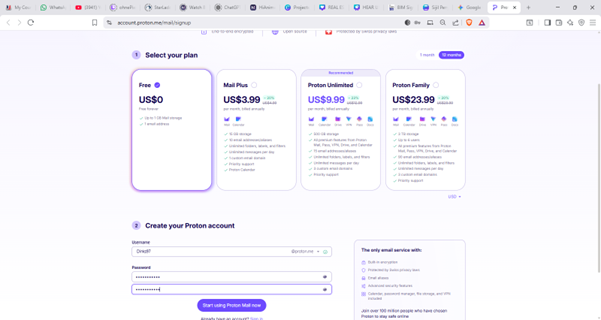
Choose Free plan and Create Proton account at the bottom, then click “Start using Proton Mail now”
Step 5
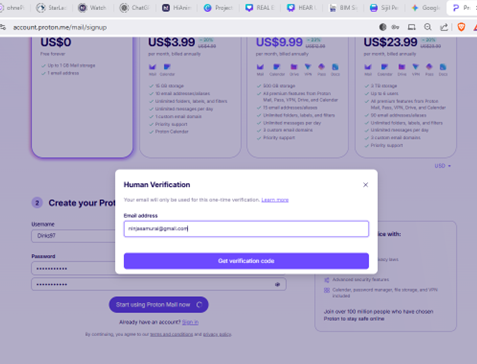
Enter gmail or yahoo account for Proton Mail to send verification code, then click “Get verification code”
Step 6
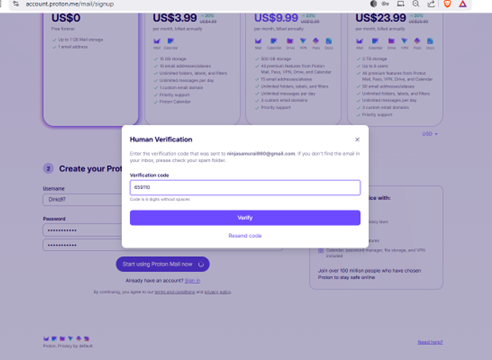
Enter the verification code sent to Gmail or Yahoo account, then click 'Verify’
Step 7
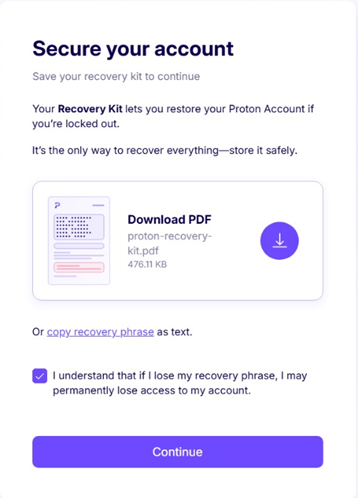
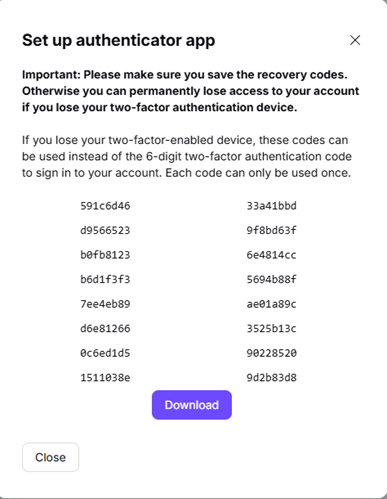
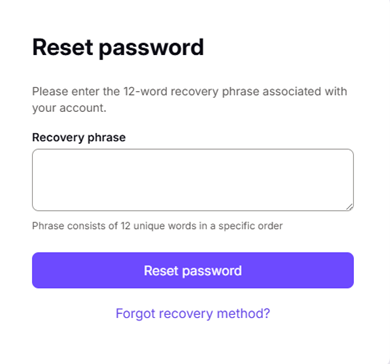
Download your Recovery Kit PDF now. This is the only way to recover your account if you lose your password or 2FA device